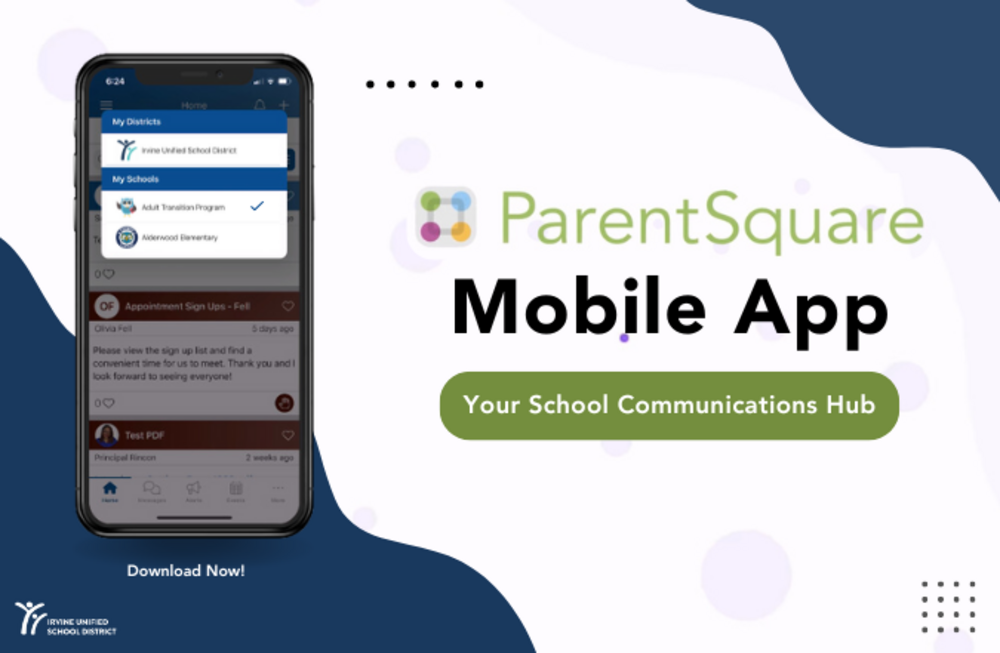
IUSD uses ParentSquare as our District and school-wide communication platform, ensuring families stay connected and informed.
✅ ParentSquare is a secure, all-in-one platform that allows parents to receive important updates, announcements, and reminders directly from teachers, school staff, and the district via email, text, and the ParentSquare app. With its user-friendly features, ParentSquare helps parents stay engaged with their child's education, from school events and assignments to emergency notifications.
The platform syncs with the contact information in the IUSD Parent Portal, so it's essential to keep your contact details up to date to ensure you don’t miss any important communications from the District or your child’s school. Learn more about ParentSquare by watching this introduction video.
Toggle Accounts and Change Your School View

If you have children at multiple IUSD schools, ParentSquare makes it easy to stay organized. The app allows you to toggle between school and District profiles at the top of your screen, giving you access to all communications in one place. This feature helps you to stay in the loop, no matter how many schools your family is connected to. Additionally, ParentSquare acts as a convenient dashboard, allowing you to revisit important messages, announcements, and updates whenever you need them.

To change your school view on the app, simply tap the school name at the top of the page to see other schools and choose the desired school site. You can also switch schools by clicking on the three horizontal lines in the upper left of the app. Then, select Schools from the menu, then select the name of the school you want to view.
Getting Started with ParentSquare:
- Step-by-step guide: Learn how to set up and activate your ParentSquare account.
- Download the mobile app: Stay connected on the go with real-time updates.
- Update Your Language Preferences: Get District and school communications in your preferred language.

With ParentSquare, parents can also communicate directly with teachers, RSVP for events, sign forms, and access key resources–creating a streamlined communication experience.
For more information or assistance, visit the IUSD ParentSquare support page.